
Check Kafka partition leaders and in-sync replicas
Read partition leaders, replicas and ISR with kafka-topics.sh and kcat, find under-replicated or leaderless partitions, and avoid advertised listener traps.
DevOpsPad browses MySQL, Redis, MongoDB, Kafka, ClickHouse, Kubernetes and K3s from one window, read-only. When you do need to change a K3s Deployment, it shows you a dry-run plan first. There is no server to install and no account to create.
Version 0.1.2 · Signed and notarized for Apple silicon · Windows and Linux: build from source
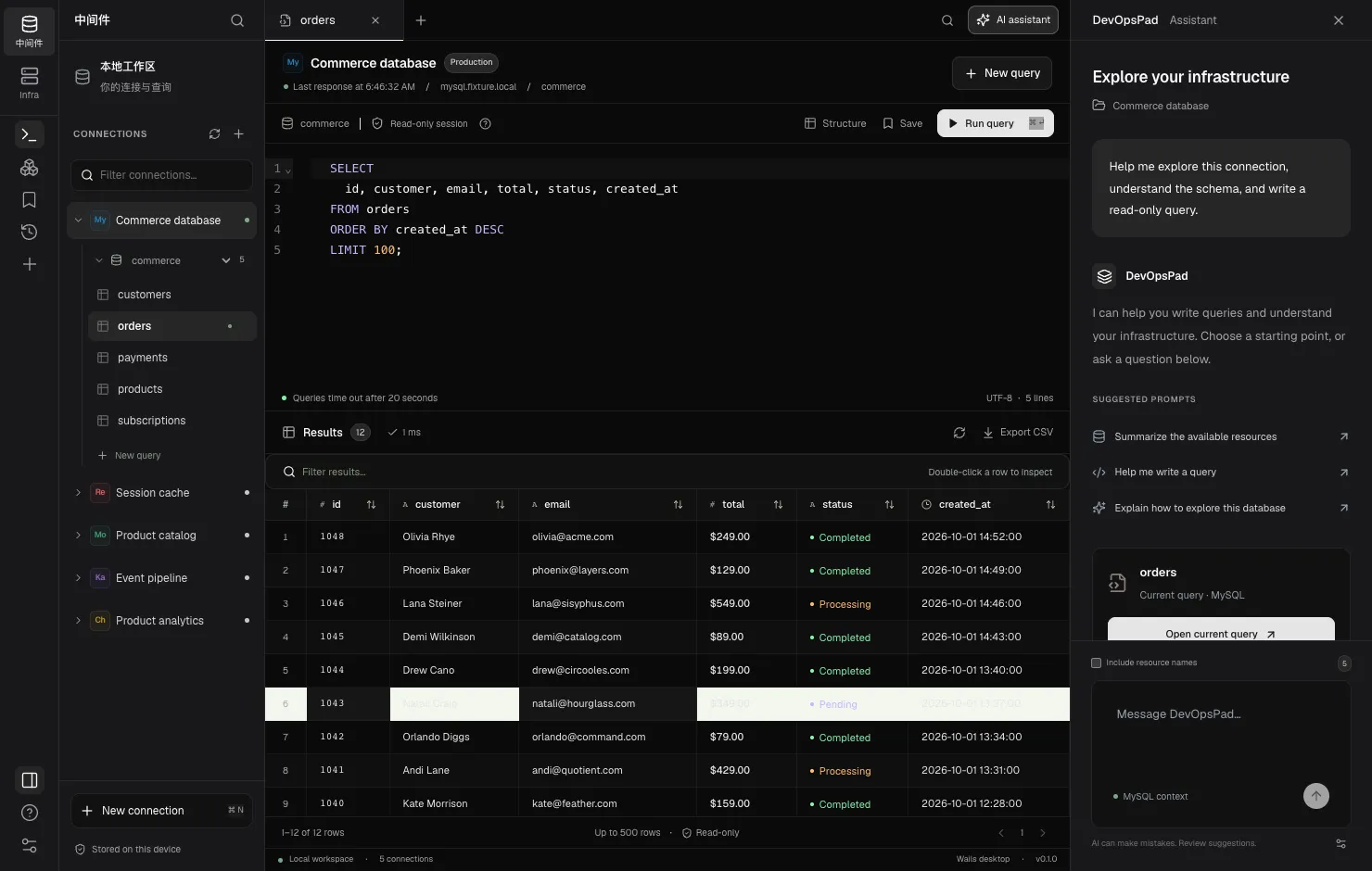
Every connection has the same profile: environment label, TLS, an optional SSH tunnel, and secrets kept in the OS keychain. Queries go through server-side read-only modes wherever the engine has one.
A MySQL client for production that runs queries in read-only transactions
Browse Redis keys without KEYS * and without write commands
Query MongoDB with find, projection and batches, read-only
See Kafka topics, partition leaders and ISR at a glance
Query ClickHouse over HTTP with readonly=1 on every request
A read-only Kubernetes explorer that respects your RBAC
A K3s client that reaches 127.0.0.1:6443 through SSH
The database and cluster workbench is read-only. The Infra console is the only place that writes, and every write starts with a plan you review.
Query MySQL, ClickHouse, MongoDB, Redis and Kafka from one desktop workbench with tabs, filters and CSV export, using each engine's read-only mode.
Browse contexts, namespaces and resources from a kubeconfig, inspect Pods, UID-scoped events and bounded log snapshots, read-only and over SSH.
Reach private MySQL, Redis, MongoDB, Kafka, ClickHouse and Kubernetes endpoints through a verified single-hop SSH tunnel without opening a local port.
Organize a K3s or Kubernetes cluster by environment and app. See nodes, artifacts, releases, Pods, metrics, logs, events and config in one place.
Release, scale, restart and roll back Deployments from your desktop. Every change is a server-side dry-run plan you confirm, guarded by a Lease.
Ask an OpenAI-compatible or local model for queries. Only your prompt is sent by default; credentials and result rows never are, and nothing auto-runs.
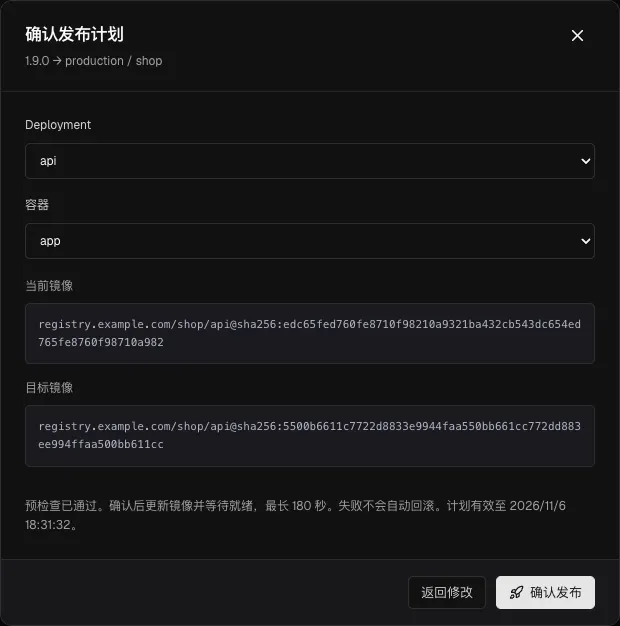
Register an image by its immutable digest, pick a Deployment and container, and DevOpsPad runs a server-side dry-run. You see the current image, the target image and the environment before anything changes.
On confirm it takes a per-target cluster Lease, checks the resource version has not moved, waits for the rollout and writes a local record. Scale, restart and rollback use the same path.
A desktop app plus SSH. No agent on your hosts, no controller in the cluster, no hosted backend.
MySQL runs in read-only transactions, ClickHouse with readonly=1, Redis through a read-command allow-list. Pair it with read-only accounts. Details.
Passwords, SSH passphrases and API keys go to the OS credential store and are never sent back to the UI. Security model.
Bring any OpenAI-compatible model, including a local one. Credentials and result rows are never sent. What is sent.
Read partition leaders, replicas and ISR with kafka-topics.sh and kcat, find under-replicated or leaderless partitions, and avoid advertised listener traps.
A read-only flag in a client is not a permission boundary. Create a MySQL account that can only SELECT, scope it to one schema and verify the grants.
Ansible automates any host task over SSH with playbooks. DevOpsPad offers a narrow set of reviewed actions for K3s Deployments and Nginx configs, with records.
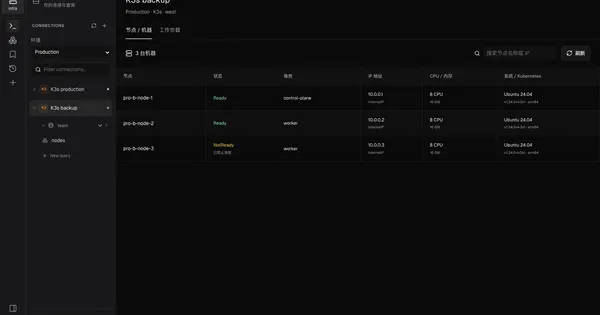
Argo CD continuously syncs clusters from Git with a controller in each cluster. DevOpsPad releases from your desktop with a dry-run plan, a lease and a record.
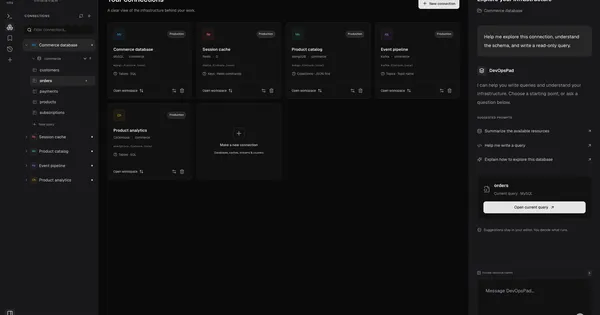
DBeaver Community is a free, cross-platform SQL client with hundreds of JDBC drivers. DevOpsPad covers fewer engines, is read-only and adds Kubernetes.